
Support at Home Care Plan and Budget Worksheet: Free Word Download

Actual document preview · DOCX · 2pages
Support at home care plan budget worksheet
Preview the first page before downloading. Open the image to read it at full size.
No email or account needed to download.
Download the support at home care plan and budget worksheet (Word DOCX). No email or account is needed.
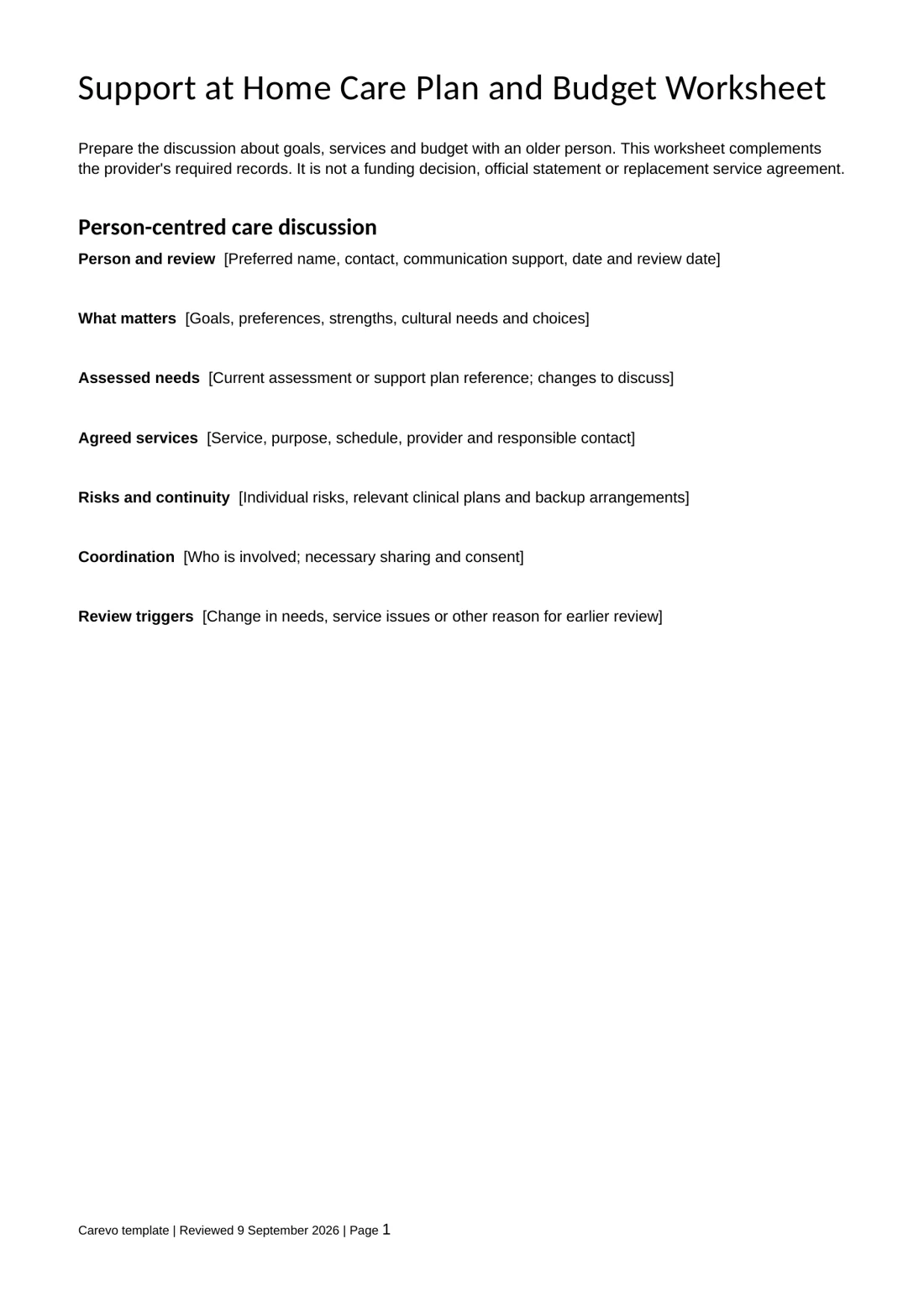
Prepare the discussion about goals, services and budget with an older person. This worksheet complements the provider’s required records. It is not a funding decision, official statement or replacement service agreement.
What is in the download
Person-centred care discussion
Person and review. What matters. Assessed needs. Agreed services. Risks and continuity. Coordination. Review triggers.
Budget discussion worksheet
Period and funding source. Available amount. Planned costs. Participant contributions. Other items. Actual spending and commitments. Reconciliation. Agreed next steps.
How to use it
- Save a working copy and replace the bracketed prompts. Remove sections that do not apply.
- Involve the person in the discussion and use their preferred communication format.
- Verify dates, contacts and source records. Clearly attribute information supplied by someone else.
- Record who completed the document and when. Make later corrections traceable.
- Share only necessary information with the appropriate recipient and retain the record securely.
Before you rely on it
Check the current program guidance and the person’s actual funding before entering amounts. The Word worksheet does not calculate totals. Use the Department of Health’s service agreement template and monthly statement example for those separate documents. Do not treat an older Home Care Package form as a current Support at Home agreement.
Sources and related resources
Find more free care templates. These documents support the work of providers, coordinators and participants; Carevo is a connection platform.
Once your paperwork is ready, create your Carevo profile. Describe your services, location and availability, then check relevant enquiry access and current plan terms in the app.
Your next step
Compare support at home providers
Use your planned services and schedule to request comparable provider quotes. Providers need to confirm your funding arrangements and prices.
Free to send a request. Provider availability, suitability and prices need confirmation before you agree to services.

Co-founder & CEO
Andre is the co-founder and CEO of Carevo. He holds a Bachelor of Commerce, majoring in Marketing, and a Bachelor of Arts from UNSW Sydney, where his majors were International Relations, Politics, Information Systems, and Media and Communications, graduating in 2014, and went through the UNSW 10x Founders accelerator in 2023.