
NDIS Invoice Template: Free Word Download and Generator
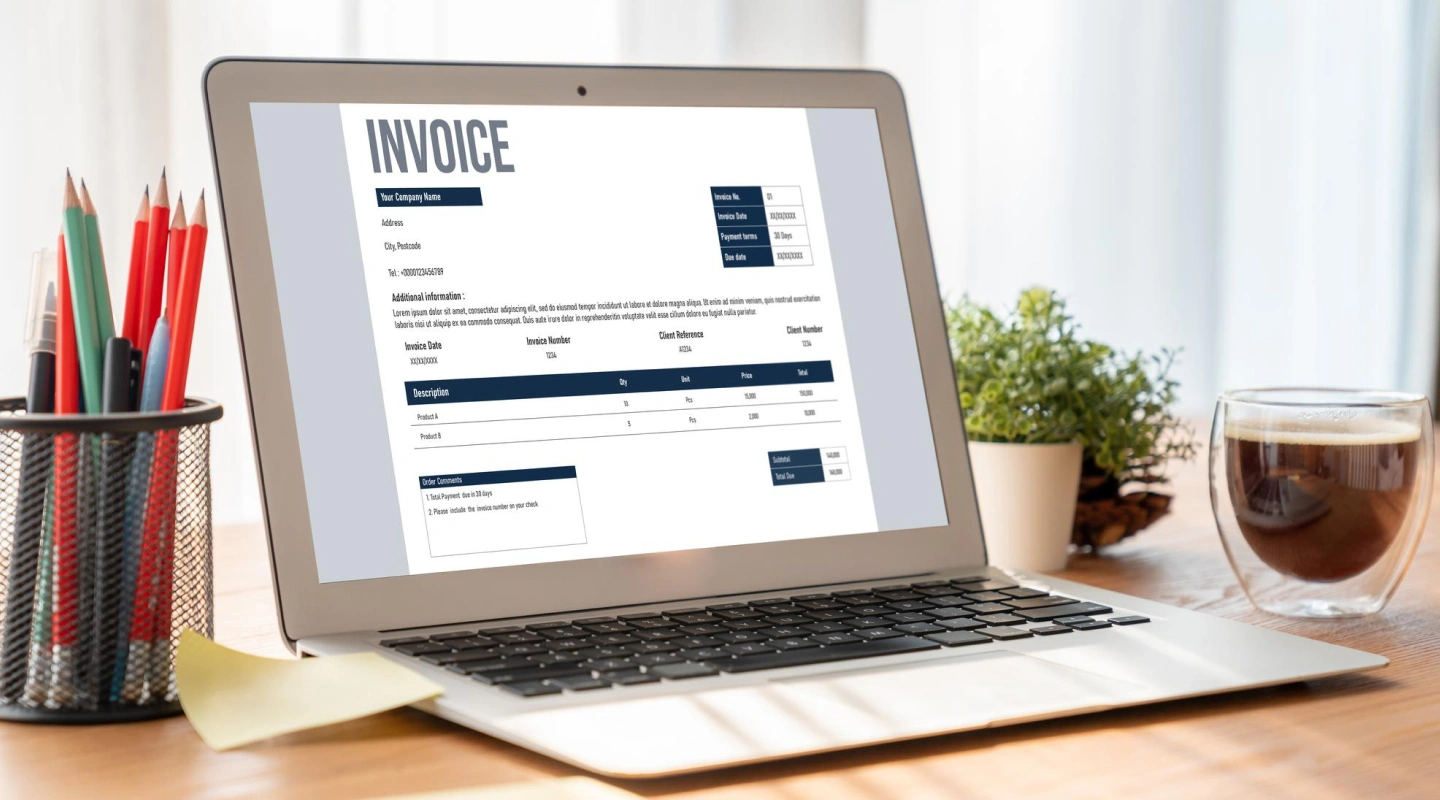

Actual document preview · DOCX · 2pages
NDIS invoice template
Preview the first page before downloading. Open the image to read it at full size.
No email or account needed to download.
Download the NDIS invoice template (Word DOCX). No email or account is required. The September 2026 revision has blank support-item fields, a GST-treatment field and a separate completion checklist. It does not calculate totals automatically.
Prefer an interactive form? Create an NDIS invoice now, check the preview, then download a Word file or print to PDF. The generator calculates totals from your entries; it does not verify funding eligibility, support codes or compliance.
Download a printable PDF, or use the Word version for editing. The PDF is a printable copy, not an interactive form.
Free NDIS Invoice Template Download
The editable file has space for provider and participant details, a unique invoice reference, service dates, line items, GST treatment, totals and payment instructions. Remove the second-page checklist before sending the invoice.
Download the free invoice template
Keep your own blank master copy. Create a separate invoice for each billing period and check the payer’s requirements. Do not copy another participant’s details into a new invoice.
Mandatory NDIS Invoice Fields 2026
There is no single universal checklist of exactly 13 fields that guarantees payment. The information needed depends on the claim, management arrangement and any tax-invoice requirements. The NDIA payment guide identifies participant details, support dates, item reference and price as claim information.
The current NDIA record-keeping requirements, checked 9 September 2026, also specify the participant address, support item number and claim type. The GST component applies where relevant; plan managers must include the third-party provider ABN. Each invoice must relate to one participant. Confirm these fields before sending the editable file.
Use this practical checklist:
| Section | What to enter |
|---|---|
| Provider | Legal or trading name, ABN and contact details; registration number only if applicable |
| Invoice | Unique reference, issue date and agreed payment due date |
| Participant | Name, NDIS number and address, including postcode for SDA |
| Payer | Participant or authorised plan manager and correct billing contact |
| Each support | Actual date, clear description, verified support item, claim type, quantity, unit and agreed unit price |
| Totals | Line amounts, subtotal, GST where applicable and final amount in AUD |
| Payment | Account name, BSB, account number and payment reference |
For plan-managed invoices, include a valid ABN unless exempt. If exempt, check the NDIA’s requirement for an ATO statement by a supplier. Do not routinely add a diagnosis, date of birth or full plan to an invoice.
Keep the service agreement, timesheet and service evidence consistent with the invoice. An invoice records a request for payment; it does not replace evidence that support occurred.
Example NDIS Invoice 2026
This arithmetic example uses an illustrative agreed rate, not a published NDIS price limit or recommended charge:
| Date | Description | Quantity | Unit price | Amount |
|---|---|---|---|---|
| 8 September 2026 | Agreed support, insert the verified item code | 2 hours | $60.00 | $120.00 |
If the supplier has confirmed that no GST is charged for this supply, GST is $0.00 and the total is $120.00. The reason might be a GST-free supply or a supplier who is not GST registered; those are different situations. Record the correct treatment rather than copying the example.
Use the NDIS code lookup to find a candidate item, then verify it against the official catalogue. Choose the actual item for the support, service date, time and location. Do not use an example code merely because its description looks similar.
GST Requirements for NDIS Invoices
NDIS registration and GST registration are different. The NDIS price guide does not determine GST treatment. Check the ATO’s NDIS GST guidance.
A supply may qualify as GST-free when the statutory conditions are met, including the relevant plan, support and written-agreement requirements. A service is not automatically GST-free just because an NDIS participant buys it. Subcontracting arrangements can also have a different tax treatment.
Do not charge GST when you are not registered. If issuing a tax invoice, meet the applicable ATO requirements. For mixed taxable and GST-free supplies, identify the treatment of each line and obtain accounting advice if needed. The Word file is editable for this purpose; the simple online generator handles one GST treatment for the invoice.
Who Should Receive the Invoice?
Send a self-managed invoice to the participant or their authorised contact. Send a plan-managed invoice to the plan manager. For NDIA-managed supports, eligible providers use the relevant payment-request process; sending an invoice alone does not lodge the claim. Follow the current NDIA payment instructions.
Agree invoice frequency and due dates in the service agreement. Do not promise a universal payment time: claim checks, payer processes and missing information can delay payment.
Common Invoice Mistakes
- Entering the invoice date where the actual service date belongs.
- Using the wrong support item, unit or time-of-day category.
- Treating the maximum price as the agreed charge. Check the pricing rules that apply.
- Combining support time and travel without explaining each charge.
- Claiming a cancellation fee without meeting the relevant conditions and agreement.
- Sending the same claim twice after a correction.
- Assuming that a template guarantees acceptance.
If an invoice is rejected, read the reason and follow the payer’s correction process. Make the relationship to the original invoice clear. Do not assume every rejection requires a new number or that resubmission cannot cause a duplicate payment.
Records and Privacy
Keep accurate support records and invoices securely for the periods that apply to your business. Use the NDIA record-keeping guidance and your other legal obligations. Share records only for an authorised purpose. Verify any bank-detail change through a known contact.
Use Your Template and Build Your Profile
Once your invoice is ready, sign up for Carevo to create a provider or support-worker profile. Add your services, coverage and availability so people can understand whether you suit their needs. Review enquiry access and plan terms in the app.
You can also browse the free template library, use the service-agreement builder, or read our practical guide to finding NDIS clients.
This guide and template are general information, not tax or legal advice. Carevo is a connection platform and does not approve invoices or deliver care.
For providers and independent support workers
Ready to find your next client?
Create your Carevo profile so people can learn about your services. Add where you work, what you do and your availability, then explore relevant care enquiries.
Sign up for CarevoUse your email, then choose provider or support worker. Already registered? Use the same link to log in. Check current enquiry access and plan terms in the app.
Carevo connects people with providers and workers. Registration does not guarantee clients or establish eligibility to deliver funded supports.
Free tool
Create an NDIS invoice
Fill in the details and download a compliant NDIS invoice.

Co-founder & CEO · Updated
Andre is the co-founder and CEO of Carevo. He holds a Bachelor of Commerce, majoring in Marketing, and a Bachelor of Arts from UNSW Sydney, where his majors were International Relations, Politics, Information Systems, and Media and Communications, graduating in 2014, and went through the UNSW 10x Founders accelerator in 2023.